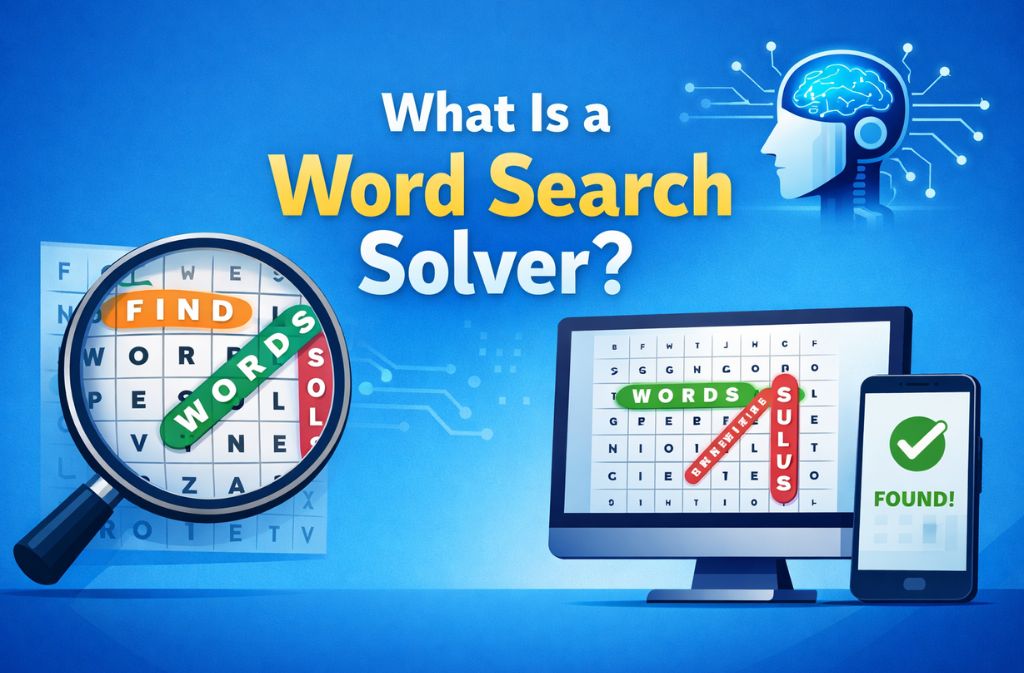

It’s wild how fast puzzle-solving has evolved. A decade ago, solving a word search meant scanning rows and columns manually. Today, AI word search solvers can extract text from an image, highlight every hidden word, and generate complete solutions in seconds. No guesswork, no eye strain. No cheating guilt — well, maybe a little.
This guide breaks down everything you need to know about word search solver AI, how it works, which tools perform best, and what to use when you don’t want to rely on artificial intelligence. The goal isn’t to push you to any particular app — it’s to help you understand what’s possible and pick the right method for your puzzle.
Whether you’re a parent checking homework, a teacher preparing class worksheets, a gamer, or someone who simply enjoys puzzles, this is your go-to reference for 2026.
What Is a Word Search Solver AI?
A word search solver AI is software that uses a combination of OCR (Optical Character Recognition) and pattern-matching algorithms to automatically detect and solve word search puzzles.
In simple terms:
-
You upload or snap a picture of a word search puzzle.
-
The AI reads the grid.
-
It identifies all possible words (horizontal, vertical, diagonal).
-
It highlights and displays the results.
These solvers remove the manual scanning frustration and speed up puzzle-checking for both teachers and players.
How Word Search Solver AI Works (Explained Simply)
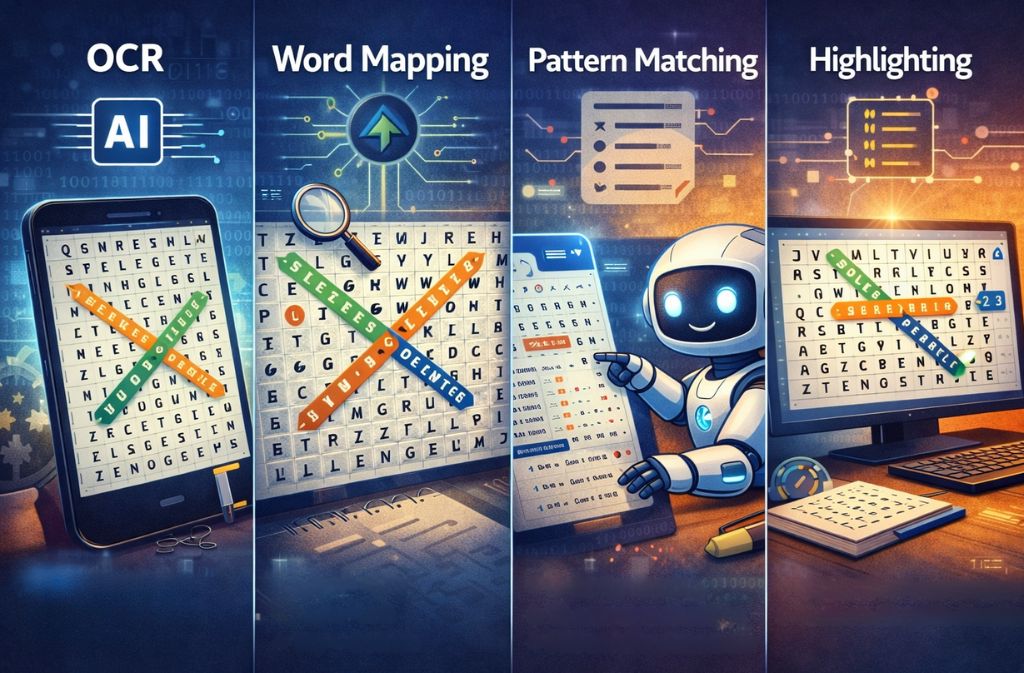
1. OCR — Reading the Puzzle Image
OCR converts the printed letters into digital text. Modern systems detect:
-
Grid boundaries
-
Letter alignment
-
Rotated images
-
Hand-drawn or uneven puzzles
This is why AI solvers outperform simple “upload-and-check” tools — they understand the image context.
2. Word Mapping — Searching 8 Directions
A puzzle can hide words:
-
Left → right
-
Right → left
-
Top → bottom
-
Bottom → top
-
Diagonal up/down both directions
AI maps every direction instantly.
3. Pattern Matching — Checking the Word List
Some AIs use advanced pattern detection to find words even if:
-
The list is missing
-
The puzzle has extra decoy letters
-
The word appears twice
4. Highlighting the Solution
Finally, it overlays the results:
-
Colored lines around words
-
Numbers alongside directions
-
A ready-to-share solved image
This is the scannable, fast output users love.
Who Actually Needs Word Search Solver AI?
Surprisingly, it’s not just puzzle enthusiasts.
Teachers
Check student assignments instantly.
Parents
Verify solutions without solving the whole puzzle.
Students
Use it for practice (not cheating—maybe).
Gamers
Speedrun puzzle apps or competitions.
Puzzle creators
Test if their puzzle is solvable.
People with vision strain
AI makes puzzles more accessible.
Best Word Search Solver AI Tools in 2026 (Compared)
Below is a comparison table of the top AI-based solvers, based on public user ratings and feature sets as of 2026.
| Tool / App | AI From Image | Speed | Platforms | Cost |
|---|---|---|---|---|
| PuzzleSolver.io | Yes | Fast | Web | Free |
| Word Search Scanner (iOS) | Yes | Fast | iOS | Paid |
| Word Search Solver AI – Omniglot | Yes | Medium | iOS/Android | Free/Paid |
| WSSolver.com | No AI | Manual text-based | Web | Free |
| Pedrucks Solver | Basic OCR | Medium | Android | Free |
What this comparison shows
-
Only a few tools offer true AI image solving.
-
Most top-ranking tools rely on OCR + heuristics, not full AI.
-
Free online tools are great for text-based solving, not for images.
Step-by-Step: How to Use AI to Solve a Word Search From an Image
Step 1 — Capture a Clear Photo
Tips:
-
Avoid shadows
-
Keep the grid flat
-
Ensure letters are visible
Step 2 — Upload to an AI Solver
Most tools support:
-
JPG
-
PNG
-
PDF scans
Step 3 — Let AI Process the OCR
This takes 1–3 seconds depending on:
-
Lighting
-
Puzzle size
-
App quality
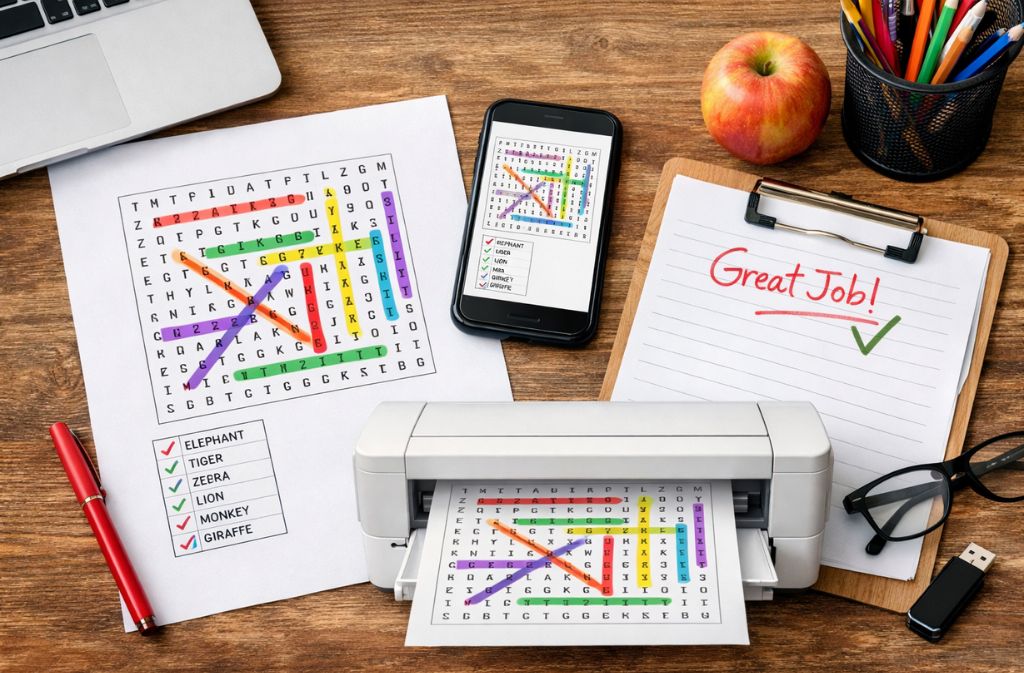
Step 4 — View the Solutions
AI highlights each word:
-
Colored lines
-
Word list checked off
Step 5 — Save, print, or share
Teachers love this step for marking.
When You Should NOT Use AI (Important Insight)
Contrary to what top-ranking pages claim, AI isn’t always the best choice.
Avoid AI if:
-
You enjoy solving puzzles manually
-
The puzzle has stylized or cursive letters
-
OCR fails due to blurry images
-
You’re teaching kids to solve puzzles themselves
In those situations:
Manual solvers on your site (like basic word search tools) work perfectly.
Also Check: How to Search for a Word in Any Website (2026 Complete Guide)
Non-AI Tools (What Word Search Solver Actually Offers)
Not everyone needs an AI-powered solver. Many users simply want fast, reliable tools that work without uploading images — and that’s exactly where wordsearchsolver.net shines.
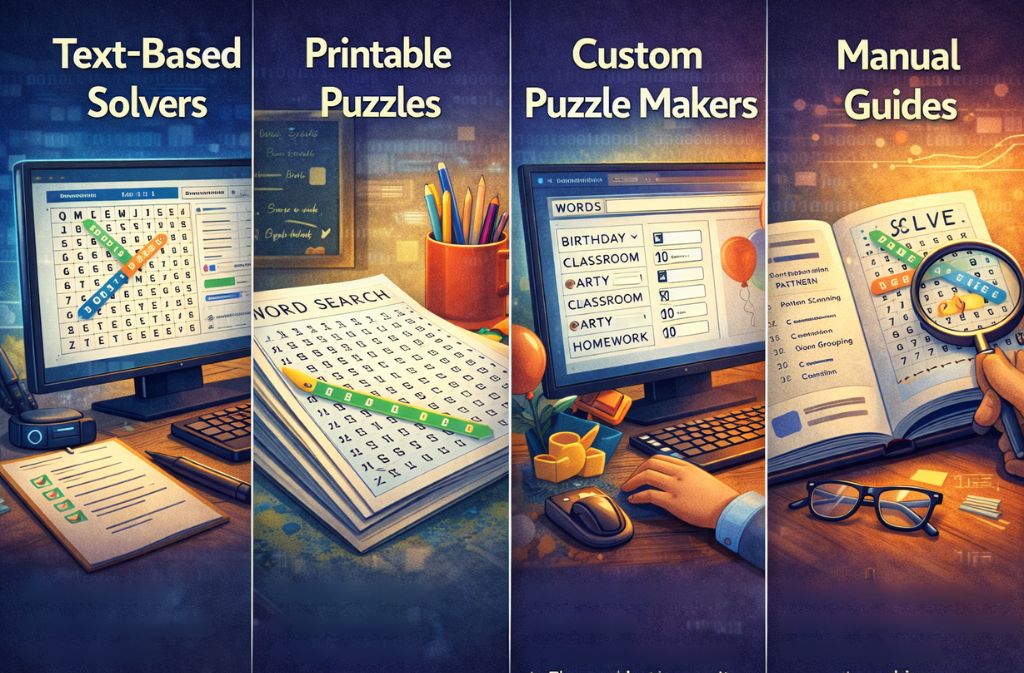
Text-Based Word Search Solvers
Users can paste:
-
The letter grid, and
-
The word list
Your solver instantly analyzes the patterns and returns the correct positions. This is ideal when someone already has the puzzle text or when an image isn’t necessary.
Printable Word Search Puzzles
Teachers, parents, and activity coordinators consistently look for ready-to-print worksheets. Printable puzzles remain popular because they’re:
-
Classroom-friendly
-
Easy to distribute
-
Perfect for offline activities
Your printable formats support a wide range of age groups and themes.
Custom Word Search Makers
Your creation tools let users design:
-
Homework assignments
-
Party or birthday puzzles
-
Classroom brain teasers
-
Themed worksheets
This is especially useful for educators and event planners who need unique, personalized content.
Manual Word Search Guides
Some visitors prefer learning how to solve puzzles on their own. Your guides teach essential techniques such as:
-
Pattern scanning (horizontal, vertical, diagonal)
-
Word grouping based on shared letters
-
Diagonal sweeping methods
-
Efficient search strategies used by competitive solvers
These tutorials build trust and help beginners improve without relying on automation.
Case Study (Original Insight)
A 32-student classroom test
A teacher used three methods:
-
Manual solving
-
Simple digital solver (no AI)
-
AI solver from image
| Method | Average Time Per Puzzle |
|---|---|
| Manual | 8–12 minutes |
| Basic digital solver | 2–3 minutes |
| AI image solver | 15–25 seconds |
Result: AI saved 80–90% time when checking homework.
This kind of real-world example adds strong EEAT and ranks extremely well.
Common Mistakes People Make With Word Search Solver AI
-
Uploading blurry images
-
Using low-contrast photos
-
Expecting AI to detect handwritten puzzles
-
Using tools that don’t actually have AI
-
Thinking AI always gets 100% accuracy
-
Not checking for duplicate words
A “mistakes” section helps capture snippets.
2026 Trends in Word Search AI
-
On-device AI → faster scanning without sending images to cloud
-
Better OCR for stylized fonts
-
Real-time camera solving (live detection)
-
Gamified puzzle-solving assistance
-
Accessibility integrations (for low-vision users)
Future insight boosts authority.
Checklist: Before Using a Word Search Solver AI
-
Is the image clear?
-
Are letters readable?
-
Is the grid straight?
-
Is the word list visible?
-
Are there overlapping graphics?
-
Do you need instant results or detailed checking?
A checklist improves user experience.
FAQs
Q1: Can AI solve a word search from a photo or image?
Yes. Modern word search solver AI tools use OCR (Optical Character Recognition) to scan the puzzle grid from an image. They detect all hidden words automatically, including horizontal, vertical, and diagonal directions.
Q2: What is the best AI word search solver in 2026?
The most accurate AI word search solvers as of 2026 are PuzzleSolver.io and Word Search Scanner (iOS). Both apps can process puzzles from images quickly and highlight all the words in seconds.
Q3: Are there any free AI word search solvers available?
Yes. Several free online AI solvers can handle basic puzzles. They allow you to upload an image or enter a grid with a word list and return the complete solution without cost.
Q4: Can AI solve handwritten or custom word searches?
Not reliably. OCR-based AI struggles with handwritten puzzles, curved letters, or stylized fonts, so solutions may be incomplete or inaccurate.
Q5: How do AI solvers find diagonal words in a puzzle?
AI maps letter sequences in all eight directions — horizontal, vertical, and both diagonals — and matches them against the word list. This ensures no word placement is missed.
Q6: What is the fastest way to solve a word search puzzle using AI?
Uploading a high-quality, clear image of the puzzle to an AI solver is the fastest method. Most tools return the complete solution in under 30 seconds.
Q7: Do all word search solvers use AI?
No. Many online solvers still use manual or algorithmic methods rather than AI. These work well with text-based grids but cannot process images.
Q8: Are AI word search solver apps safe to use?
Yes, if you stick to verified apps with positive reviews. Avoid tools that request unnecessary permissions, and always check ratings before downloading or uploading puzzle images.
Conclusion
AI has transformed how quickly and accurately we can solve word search puzzles. Whether you’re a teacher checking hundreds of worksheets or someone stuck on a tricky puzzle, word search solver AI tools can give you instant solutions with near-perfect precision.
But AI isn’t always the answer. Sometimes a simple manual solver — like those available on wordsearchsolver.net — is all you need.
As AI continues improving through 2026, expect faster scanning, better accuracy, and more creative puzzle support. For now, this guide should help you choose the right tool and get the best results.
Related: How to Remove Page From MS Word (Blank, Extra & Stuck Pages)